Assistive Technology Tools for Students with Special Needs
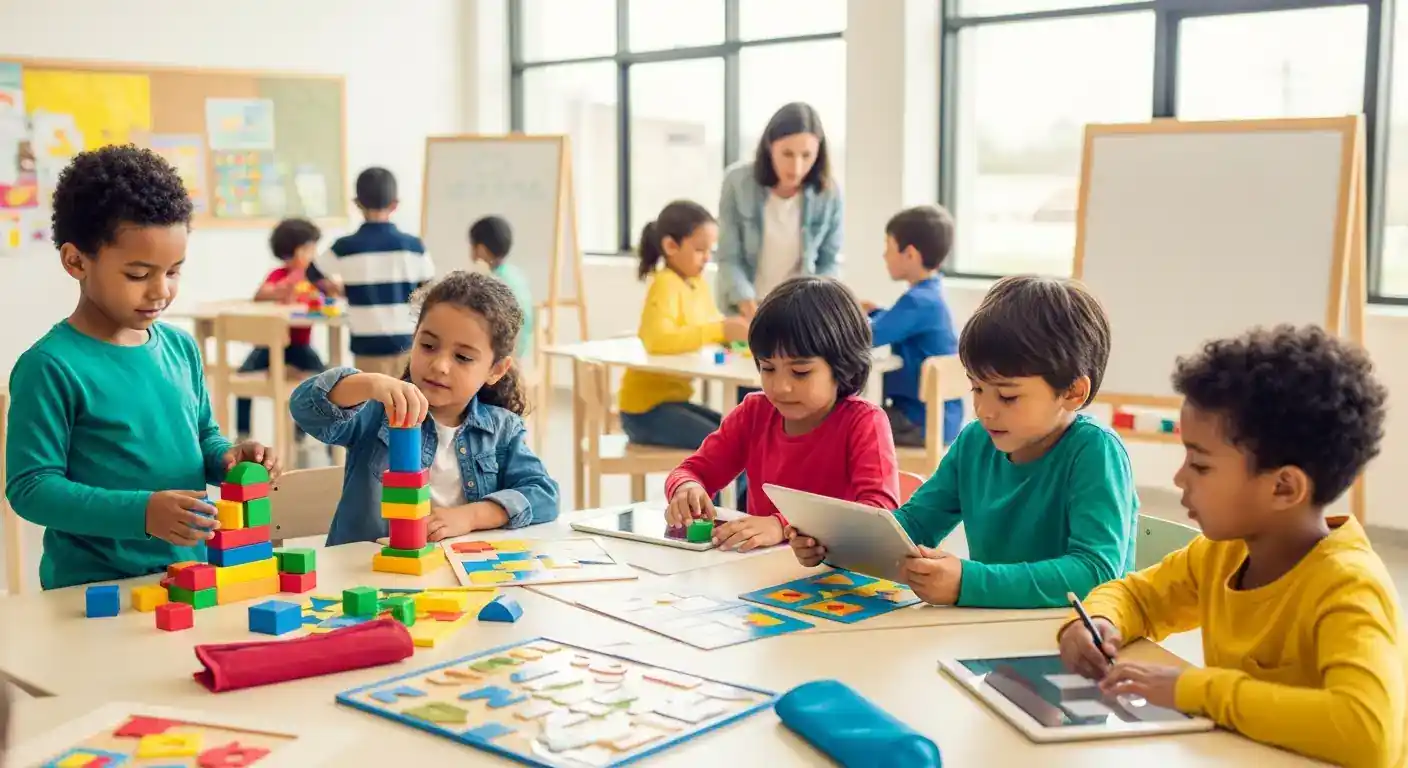
Assistive technology (AT) has revolutionized the educational landscape for students with special needs, offering innovative solutions that foster independence, enhance learning, and promote inclusion. These specialized tools bridge gaps created by various learning challenges, empowering students to access curriculum, communicate effectively, and participate fully in classroom activities. From sophisticated software to simple adaptive devices, assistive technology tools for students with special needs are crucial for creating equitable and supportive learning environments. This article delves into the diverse range of AT available, its profound impact on academic and social development, and how it can be effectively integrated into modern education.
Key Points:
- Empowers Independence: AT helps students perform tasks autonomously.
- Enhances Learning: Provides tailored support for diverse academic needs.
- Fosters Inclusion: Integrates students into mainstream classroom settings.
- Supports Communication: Offers vital tools for expression and understanding.
- Boosts Social Skills: Facilitates interaction and reduces frustration.
Understanding Assistive Technology Tools for Special Needs Students
Assistive technology encompasses any item, piece of equipment, software program, or product system that is used to increase, maintain, or improve the functional capabilities of individuals with disabilities. For students with special needs, these tools are not just supplementary aids; they are often essential for accessing education and developing crucial life skills. The primary goal of assistive technology tools for students with special needs is to level the playing field, ensuring every student has the opportunity to succeed. This includes support for a wide spectrum of needs, from learning disabilities like dyslexia and ADHD to physical impairments, communication disorders, and autism spectrum disorder.
The benefits extend beyond academic achievement, significantly impacting a student's social-emotional well-being. By providing means for communication and participation, AT can reduce feelings of isolation and frustration, thereby boosting self-esteem and confidence. This, in turn, often leads to improved social interactions and a greater sense of belonging within the school community. For instance, a student who struggles with verbal communication might use a speech-generating device, allowing them to express thoughts and engage in conversations with peers, a critical step in developing social skills.
Categories of Assistive Technology for Diverse Learning Needs
The landscape of assistive technology is vast and continually evolving, offering tailored solutions for specific challenges. Understanding the different categories helps educators and parents select the most appropriate tools.
Communication and Language Support
For students with communication difficulties, assistive technology can be life-changing. These tools facilitate both expressive and receptive language.
- Augmentative and Alternative Communication (AAC) Devices: These range from simple picture boards to sophisticated speech-generating devices (SGDs) and tablet-based apps. They allow non-verbal or minimally verbal students to communicate their needs, thoughts, and feelings. A hypothetical study published in the Journal of Special Education Technology (2024) highlighted how consistent use of tablet-based AAC systems significantly improved conversational turn-taking and vocabulary acquisition in students with non-verbal autism.
- Speech Recognition Software: Converts spoken words into text, benefiting students with writing difficulties or physical impairments that affect typing.
- Text-to-Speech (TTS) Software: Reads digital text aloud, aiding students with reading disabilities like dyslexia or visual impairments.
Reading and Writing Aids
Many students with special needs face challenges with reading comprehension, decoding, and written expression. AT provides crucial support in these areas.
- Text-to-Speech and Screen Readers: As mentioned, TTS helps students access written content. Screen readers go further, describing elements on a computer screen for visually impaired users.
- Word Prediction and Spell Checkers: These tools assist students with spelling, grammar, and vocabulary, reducing the cognitive load of writing.
- Digital Pens and Smartpens: These devices can record audio while a student takes notes, synchronizing the audio with the written text. This allows students to revisit lectures and hear what was said at the exact moment they wrote something down, which is invaluable for students with memory or processing challenges. A report from Educational Technology Review (2025) indicated that dyslexic students using advanced text-to-speech tools showed a 30% improvement in reading comprehension scores over a six-month period.
- Graphic Organizers and Mind Mapping Software: Help students organize thoughts, plan writing assignments, and visualize complex information, particularly beneficial for students with executive function difficulties.
Executive Function and Organizational Tools
Students with conditions like ADHD or autism often struggle with organization, time management, and focus. AT can provide structure and support.
- Digital Planners and Reminder Apps: Help students keep track of assignments, appointments, and daily schedules. Many apps offer visual cues and customizable alerts.
- Noise-Cancelling Headphones: Create a focused learning environment by minimizing distractions, crucial for students sensitive to sensory input.
- Visual Timers: Help students understand and manage time, particularly useful for transitions or completing timed tasks. In my experience working with students with ADHD, providing a visual timer for tasks empowers them to manage their own time more effectively, fostering a sense of control and reducing anxiety about deadlines.
Motor Skill and Physical Accessibility Tools
For students with physical disabilities, AT ensures they can interact with computers, write, and navigate their environment.
- Adaptive Keyboards and Mice: Offer larger keys, alternative layouts, or different input methods (e.g., trackballs, joysticks) to accommodate various motor limitations.
- Switches: Allow students with limited motor control to operate computers or other devices with a single, simple action.
- Ergonomic Furniture and Positioning Aids: Ensure comfortable and supportive seating, promoting better posture and engagement.
Integrating Adaptive Learning Devices in Inclusive Classrooms
Effective integration of adaptive learning devices for special education requires a thoughtful approach, often outlined in a student's Individualized Education Program (IEP). Personalized AT plans are crucial, ensuring that the chosen tools align with specific learning goals and individual needs. Teacher training is paramount, as educators need to be proficient in using and troubleshooting these technologies to maximize their benefit. Collaboration between teachers, parents, therapists, and AT specialists ensures a holistic and consistent support system.
A significant trend emerging in inclusive education is the application of AI-powered assistive technology. These advanced tools can offer personalized learning paths, adapt to a student's progress in real-time, and provide immediate, targeted feedback. The Future of Education Technology Report (2024) highlighted the potential of AI to create truly individualized learning experiences, predicting a surge in AI-driven AT solutions that learn and evolve with the student. For more information on this topic, readers can explore related articles on developing effective Individualized Education Programs.
The Impact of Assistive Technology on Social Skills Development
While often recognized for academic support, assistive technology tools for students with special needs also play a vital role in fostering social skills. By enabling clearer communication, AT can significantly reduce misunderstandings and frustration, which are common barriers to social interaction. When a student can express themselves effectively, whether through an AAC device or by using speech-